The Edge Panel Finally Has a Purpose in One UI 7
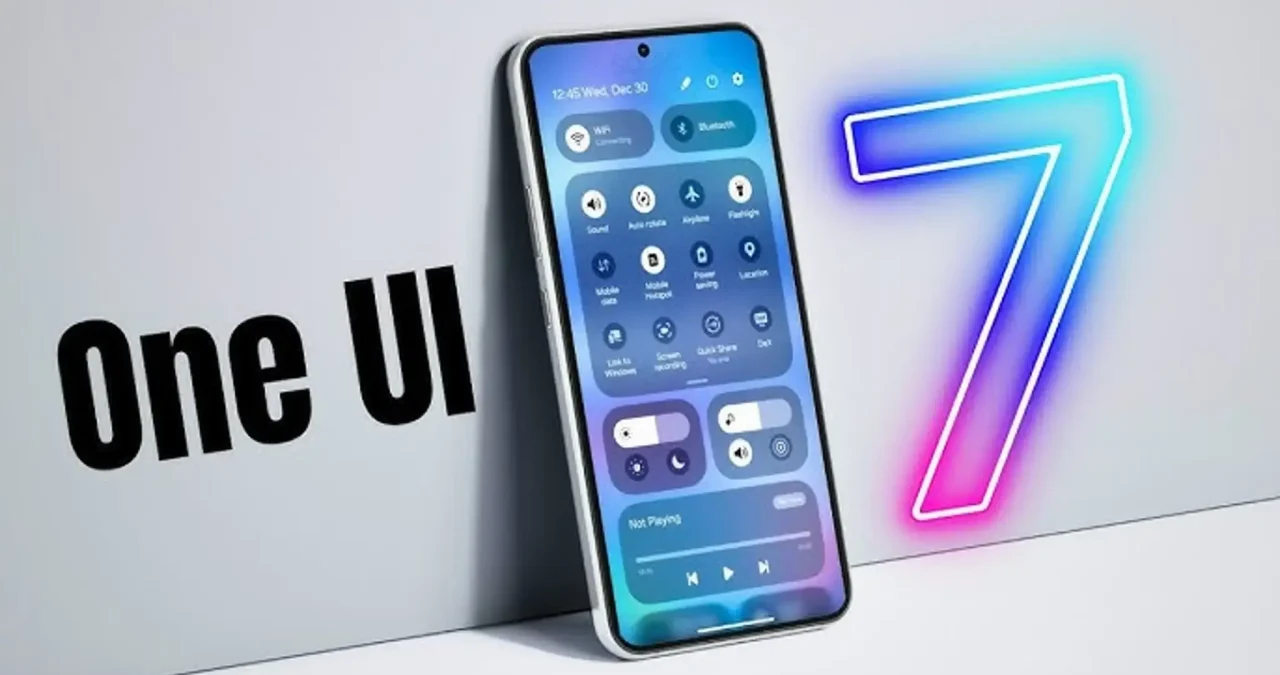
For years, Samsung’s Edge Panel has been a polarizing feature—useful for some, forgettable for many. Introduced in 2014, it allowed users to access apps, contacts, tasks, weather, and even a built-in compass from a small, often intrusive, transparent tab on the screen’s edge. Despite its longevity, the feature remained underutilized, with many Galaxy users deactivating it altogether. However, with One UI 7, the Edge Panel has undergone a transformation, finally cementing its place as an integral part of the Samsung experience.

A Long-Overdue Evolution
Samsung’s One UI has often felt like a mixed bag, particularly when it comes to proprietary apps competing against Google’s ecosystem. But One UI 7 changes the equation, especially with the deep integration of Galaxy AI. Now, the Edge Panel is more than just an app launcher—it’s a productivity powerhouse featuring AI-driven tools that streamline everyday tasks.
The latest update includes functionalities such as:
- AI Select – A robust Circle to Search-style feature that allows users to capture and analyze on-screen content.
- Now Brief – An AI-generated summary tool that adjusts dynamically based on context.
- Drawing Assist – A creative enhancement that refines and augments drawings using AI.
- Interpreter – A real-time translation tool for seamless multilingual communication.
This AI-powered upgrade has effectively turned the Edge Panel into a toolbox rather than a simple convenience feature.
AI-Driven Utility
One of the biggest criticisms of the Edge Panel in previous iterations was its redundancy. Why access apps from a hidden panel when they’re just as easily available from the home screen? One UI 7 solves this by making the panel contextually relevant and deeply integrated with AI functions.
For example, AI Select is now front and center, allowing users to extract, translate, or interact with on-screen text and images effortlessly. Now Brief, which provides real-time AI-generated summaries, is accessible at all times, making it easy to stay updated without switching apps. Meanwhile, Drawing Assist, although still a niche feature, adds creative value for users who sketch or annotate frequently.
A Feature Worth Keeping
For the first time, the Edge Panel feels essential rather than optional. Samsung’s commitment to AI across its ecosystem has given it a well-defined purpose, making it a must-use tool for productivity-focused users. While some may still prefer to disable it, One UI 7’s Edge Panel is no longer just an afterthought—it’s an intelligent, AI-powered companion designed to streamline tasks and enhance user experience.

Bhupendra Singh Chundawat is a seasoned technology journalist with over 22 years of experience in the media industry. He specializes in covering the global technology landscape, with a deep focus on manufacturing trends and the geopolitical impact on tech companies. Currently serving as the Editor at Udaipur Kiran, his insights are shaped by decades of hands-on reporting and editorial leadership in the fast-evolving world of technology.