

In an unexpected incident earlier this month, many Google Maps users discovered that their Timeline data—detailing the places they visited over several years—had mysteriously vanished. After numerous user complaints highlighted by 9to5Google, Google has officially confirmed the issue, acknowledging that a technical error caused the unintended deletion of Timeline records, some of which may not be recoverable.
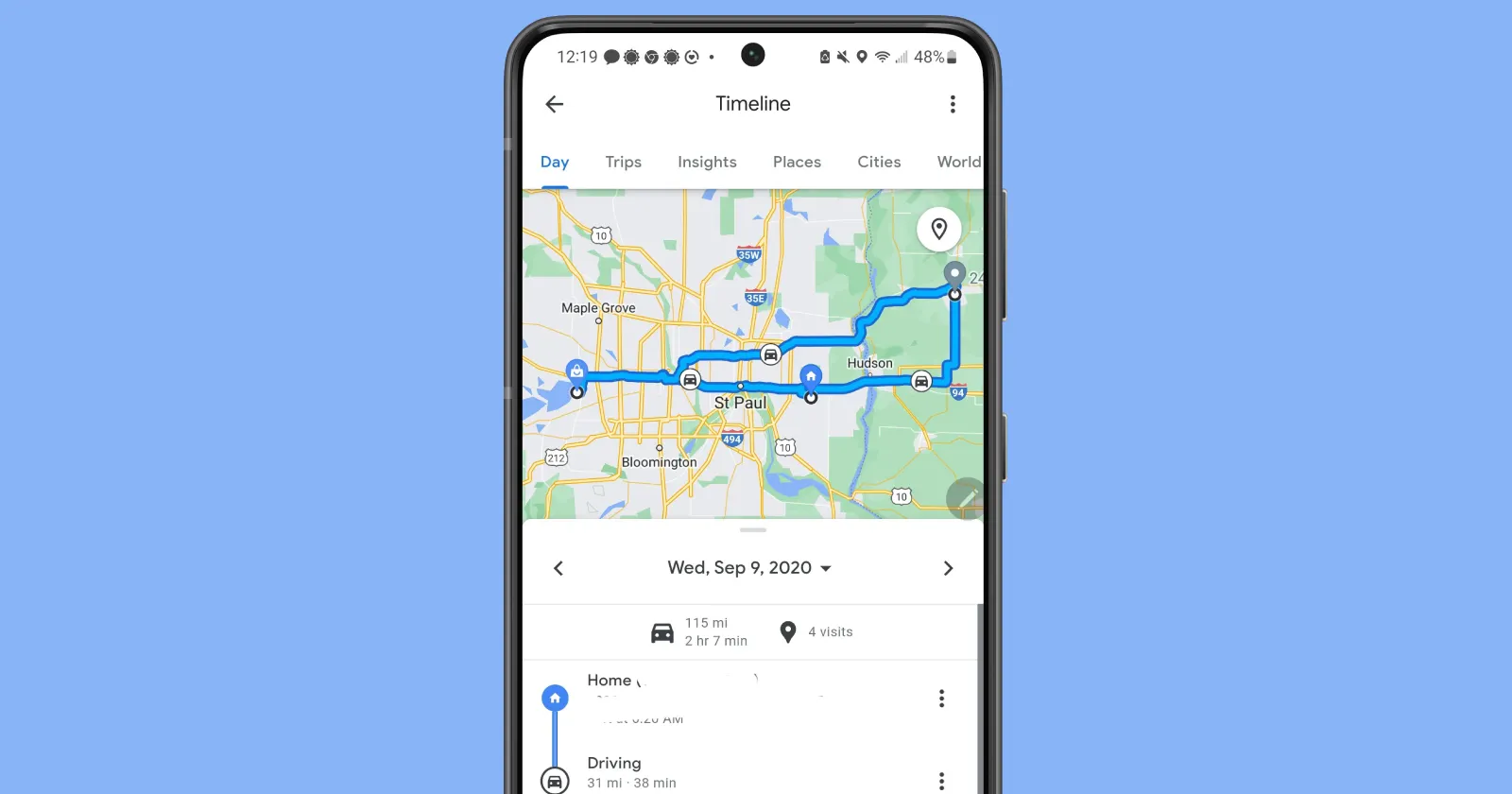

Technical Glitch Erases Years of Location History
Google spokesperson Genevieve Park confirmed in a statement to The Verge, “We briefly experienced a technical issue that caused the deletion of Timeline data for some people.” According to Google, only those users who had proactively enabled Timeline backups prior to the glitch can potentially restore their location history data.
Unfortunately, because Google had recently shifted to on-device storage for Timeline data, cloud backups were not activated by default. This has led to considerable frustration among users who unknowingly did not have backups enabled, resulting in permanent loss of extensive, often sentimental, location data.
Backup System Not Enabled by Default
The issue highlights the critical importance of regularly backing up personal data. Following Google’s recent change to on-device Timeline data storage, users needed to manually activate cloud backups to ensure their historical location data remained safe. However, many users were unaware of this requirement or overlooked enabling backups, causing widespread data loss when the technical issue arose.
To activate backups, users must manually navigate to their Timeline settings in the Google Maps app and toggle the cloud backup option, which is represented by a cloud icon. The lack of default backup activation has drawn criticism, as many affected users claim Google did not clearly communicate the necessity of enabling backups for safeguarding data.
Users Struggle to Recover Lost Data
While some users who enabled backups prior to the incident successfully restored their Timeline data, many others continue to face difficulties. Numerous Reddit users have shared experiences where they were unable to fully recover their lost data, despite attempting to import backups. This inconsistency has added to the confusion and frustration experienced by Google Maps users worldwide.
For some, the loss goes beyond convenience, impacting essential data used for work, travel logging, and personal record-keeping. Users have expressed their disappointment at losing years of valuable historical information without a clear solution or support pathway from Google.
Google’s Response and Future Measures
In the aftermath of this significant technical issue, Google has expressed regret but has yet to provide comprehensive details about how they plan to prevent similar incidents in the future. The company emphasized the importance of users manually activating backups to mitigate potential data loss.
Google’s latest technical mishap raises broader concerns about data reliability, transparency regarding storage methods, and the need for clearer user guidance from big tech companies. Users hope Google will soon introduce more robust and automatic backup solutions, reducing the risk of such devastating losses in the future.
How Users Can Protect Their Data Now
Google Maps users should immediately verify if their Timeline backups are enabled by following these simple steps:
-
Open Google Maps on your device.
-
Tap on your profile picture and navigate to “Your Timeline.”
-
Click on the cloud icon to check and activate the backup settings if not already enabled.
Enabling backups will store your Timeline data safely in Google’s cloud, protecting against future data loss and allowing easier data restoration if needed.

Bhupendra Singh Chundawat is a seasoned technology journalist with over 22 years of experience in the media industry. He specializes in covering the global technology landscape, with a deep focus on manufacturing trends and the geopolitical impact on tech companies. Currently serving as the Editor at Udaipur Kiran, his insights are shaped by decades of hands-on reporting and editorial leadership in the fast-evolving world of technology.