

Apple has started rolling out a new firmware update for the 2nd generation Apple AirPods Pro. This update applies to both the Lightning and USB-C versions of the 2nd generation AirPods Pro.
If you’re wondering what’s new or changed in the update, Apple, as always, hasn’t released any changelogs or other details beyond “bug fixes and other improvements.”
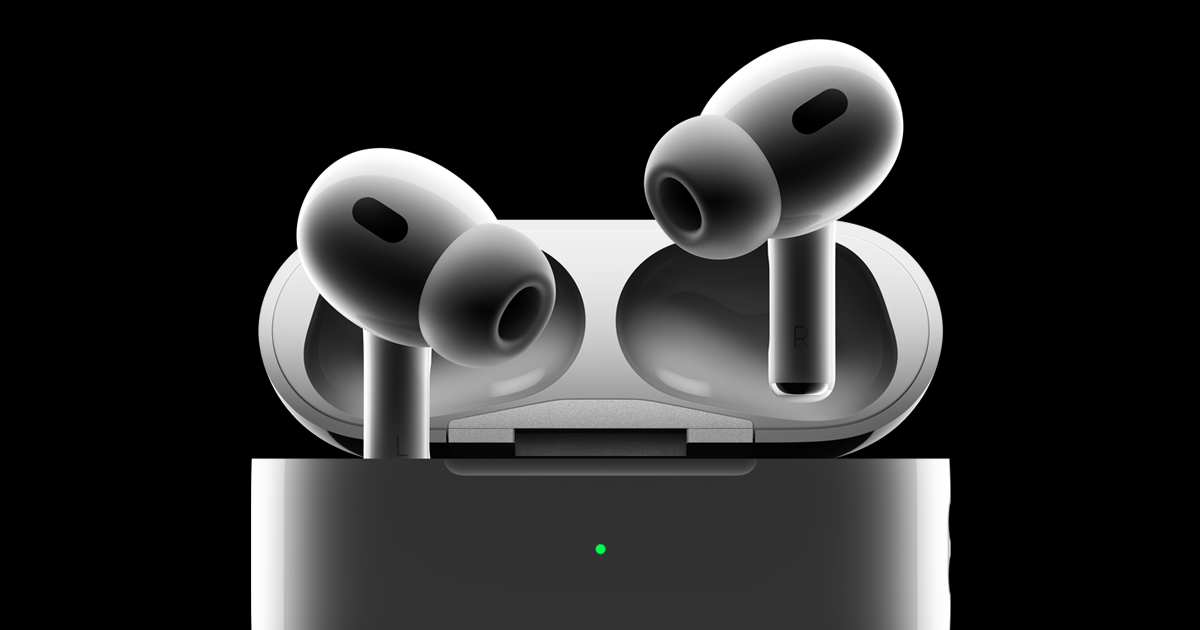

Speaking of rolling out updates, this is already happening and 2nd generation AirPods Pro users can now update their devices.
Please note that Apple does not allow users to manually install updates to AirPods. This happens automatically and wirelessly when you pair AirPods with your iPhone.
All users need to do is place their AirPods in the case, plug them into a power source, and connect them to their iPhone or Mac to update.
While there is no option for users to manually update their AirPods, Apple allows users to check the firmware version of their AirPods to see if they have the latest firmware or not.
To do this, follow the steps below:
Connect AirPods Pro to your iOS device.
Open the Settings app.
Click General.
Click the Info button.
Click on AirPods.
Look at the number next to the Firmware version.
However, the firmware of the other AirPods remains the same. These include AirPods 2nd generation, AirPods 3rd generation, and AirPods Max.

Bhupendra Singh Chundawat is a seasoned technology journalist with over 22 years of experience in the media industry. He specializes in covering the global technology landscape, with a deep focus on manufacturing trends and the geopolitical impact on tech companies. Currently serving as the Editor at Udaipur Kiran, his insights are shaped by decades of hands-on reporting and editorial leadership in the fast-evolving world of technology.