

Aadhaar Card Address Update: Step-by-Step Guide to Changing Your Address Online or at a Service Center

Why Updating Your Aadhaar Address is Crucial
The Aadhaar card, issued by the Unique Identification Authority of India (UIDAI), is an essential document for every Indian citizen. It serves as proof of identity and address, facilitating crucial services such as banking, SIM card issuance, government benefits, and subsidies. Without an updated Aadhaar card, many essential tasks may remain incomplete.
If your Aadhaar card has an outdated or incorrect address, it is vital to update it to avoid any inconvenience in availing government schemes or financial services. Fortunately, UIDAI allows address corrections both online and through Aadhaar Seva Kendras (Common Service Centers – CSCs).
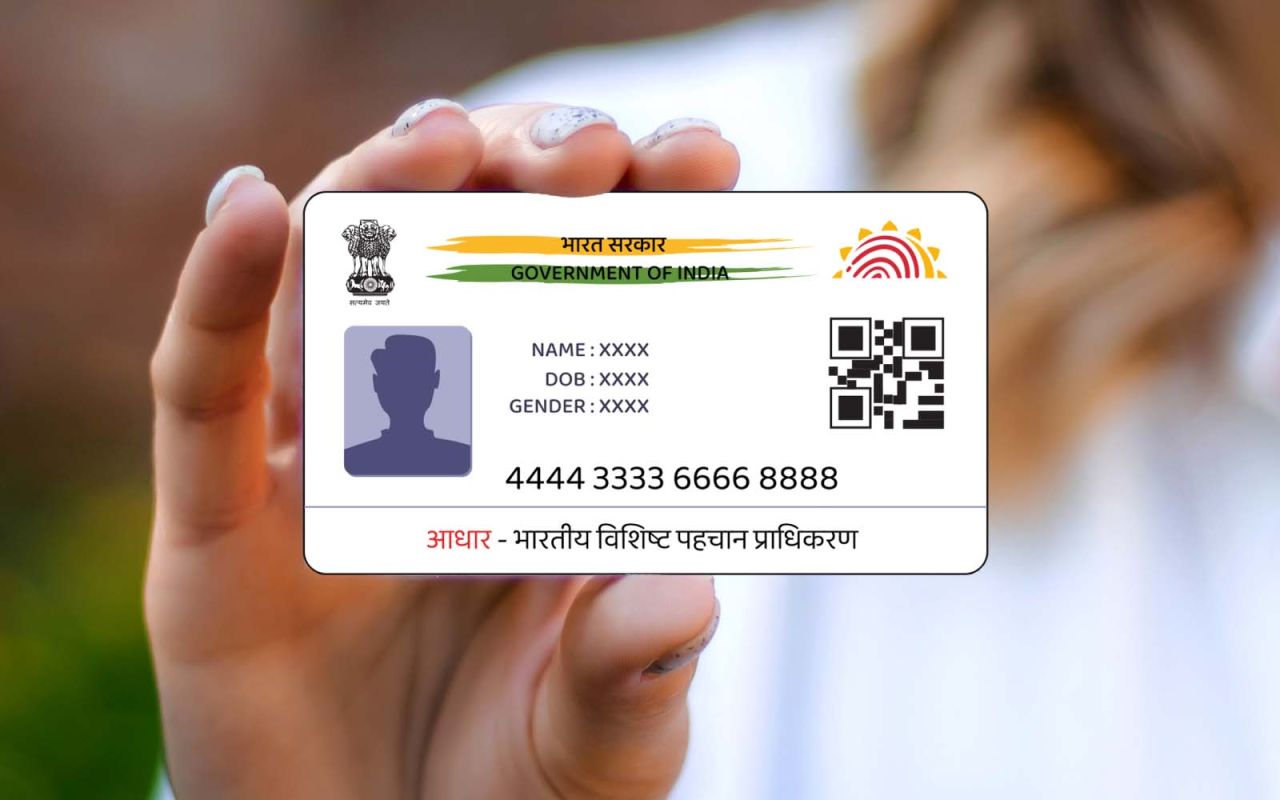
How to Update Aadhaar Address?
Modes of Updating Aadhaar Address
- Offline Method – Visit the nearest Aadhaar Enrollment/Service Center and update your address manually.
- Online Method – Update your Aadhaar address via the UIDAI website (if you have valid address proof).
Fee for Address Update
As per UIDAI regulations, a fixed fee of ₹50 is applicable for address updates, payable at the service center or online during the process.
Step-by-Step Process to Update Aadhaar Address at an Aadhaar Service Center
If you choose to update your Aadhaar address offline, follow these steps:
1. Locate the Nearest Aadhaar Enrollment/Service Center
- Visit the official UIDAI website (https://uidai.gov.in) and find the nearest Aadhaar Seva Kendra.
- Walk in during working hours or book an appointment online for a hassle-free experience.
2. Request an Aadhaar Address Update Form
- Ask for a correction/update form from the service center.
- Fill in your details carefully, including:
- Aadhaar Number
- Full Name
- Registered Mobile Number
- New Address
3. Provide Address Proof
- Submit a valid proof of address (PoA) such as:
- Electricity bill, water bill, or gas bill (not older than 3 months)
- Bank statement or passbook
- Voter ID card
- Passport
- Driving license
- Property tax receipt
- Rental agreement or lease document
4. Submit the Form and Pay the Fee
- Hand over the completed form along with the required documents to the Aadhaar officer.
- Pay the ₹50 processing fee.
5. Biometric Verification
- The Aadhaar officer will verify your biometric details (fingerprint or iris scan) to authenticate the request.
6. Acknowledgment Receipt
- After submission, you will receive a receipt with an Update Request Number (URN).
- This URN can be used to track the status of your Aadhaar update online.
7. Aadhaar Update Confirmation
- The update process usually takes 5 to 15 working days.
- Once approved, you can download the updated Aadhaar card from the UIDAI website.
How to Update Aadhaar Address Online?
If you have a valid proof of address, you can update your Aadhaar online without visiting a service center.
Step-by-Step Process for Online Aadhaar Address Update
-
Visit the UIDAI Portal
- Go to the official UIDAI website: https://uidai.gov.in.
- Click on ‘Update Aadhaar Address’ under the My Aadhaar section.
-
Login with Aadhaar Credentials
- Enter your Aadhaar Number and click on Generate OTP.
- You will receive an OTP on your registered mobile number.
- Enter the OTP to log in.
-
Enter the New Address Details
- Fill in the new address as per your proof of address document.
- Ensure accuracy, as incorrect details may lead to rejection.
-
Upload Supporting Documents
- Scan and upload a valid address proof document (JPEG, PNG, or PDF format).
-
Submit the Request and Pay the Fee
- Review all details before submitting.
- Pay the ₹50 fee using online payment options.
-
Receive URN for Tracking
- Upon submission, you will receive an Update Request Number (URN).
- Use this URN to track your update request on the UIDAI portal.
-
Download Updated Aadhaar
- Once approved (within 5-15 days), download the e-Aadhaar from the UIDAI website.
Key Points to Remember
✔ Ensure that the address proof document matches exactly with the details entered.
✔ Mobile number must be linked with Aadhaar to receive OTP for online updates.
✔ Offline updates require biometric verification at the service center.
✔ Processing time may vary but usually takes 5-15 working days.
✔ Re-check the spelling and details before submitting the request to avoid rejection.

Bhupendra Singh Chundawat is a seasoned technology journalist with over 22 years of experience in the media industry. He specializes in covering the global technology landscape, with a deep focus on manufacturing trends and the geopolitical impact on tech companies. Currently serving as the Editor at Udaipur Kiran, his insights are shaped by decades of hands-on reporting and editorial leadership in the fast-evolving world of technology.