

Aadhaar Card Update: Simple Steps to Find Your Aadhaar Number Easily

The Aadhaar card is one of the most crucial identity documents for residents of India. It not only serves as a proof of identity but is also essential for availing various government schemes and services. However, people often forget their Aadhaar number, which can lead to inconvenience, especially when accessing services that require it.
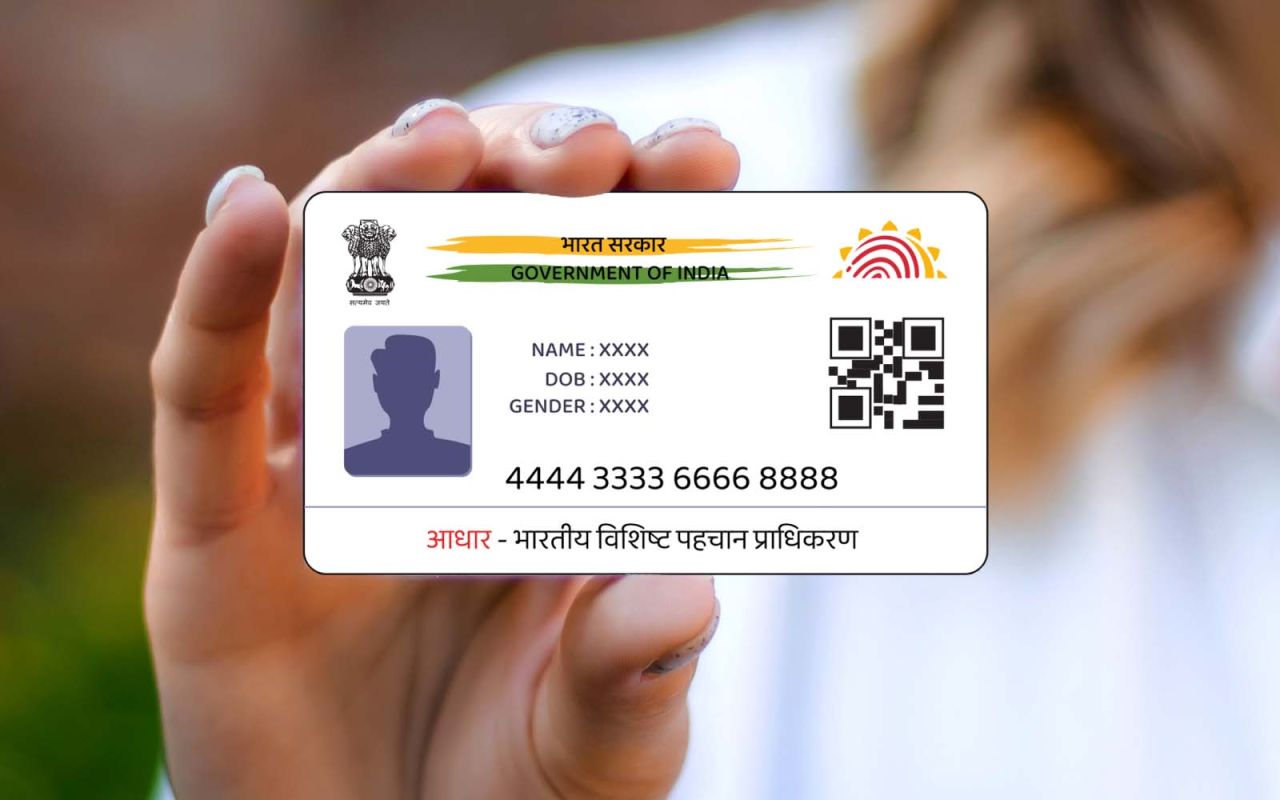
Fortunately, the Unique Identification Authority of India (UIDAI) offers several simple methods to retrieve your Aadhaar number if you lose or forget it. Below are the step-by-step procedures to help you recover your Aadhaar number effortlessly.
Method 1: Retrieve Aadhaar Number via Official UIDAI Website
- Visit the UIDAI website: Go to the official website uidai.gov.in.
- Navigate to “Retrieve Lost or Forgotten EID/UID”: This option is available under the “My Aadhaar” section.
- Provide required details: Enter your registered mobile number or email ID, along with your name and PIN code.
- Enter the captcha: Complete the security verification by entering the provided captcha code.
- Receive OTP: You will receive an OTP (One-Time Password) on your registered mobile number.
- Get Aadhaar number: After entering the OTP, your Aadhaar number will be sent to you via SMS or email.
Method 2: Retrieve Aadhaar Number Using mAadhaar App
- Download the mAadhaar app: Available on both the Google Play Store and Apple App Store.
- Login with your registered mobile number: Enter the mobile number linked to your Aadhaar.
- Access Aadhaar details: Once logged in, your Aadhaar information will be displayed in the app.
Method 3: Visit the Nearest Aadhaar Service Center
- Locate an Aadhaar Service Center: Visit the nearest authorized Aadhaar enrollment or update center.
- Carry valid identification documents: Bring a PAN card, Voter ID, or any other government-issued ID for verification.
- Get assistance: The Aadhaar center staff will verify your details and provide your Aadhaar number after confirming your identity.
How to Check Aadhaar Usage History
If you are concerned about unauthorized use of your Aadhaar, UIDAI provides an option to check its authentication history. Here’s how you can do it:
- Visit the UIDAI official website: Go to uidai.gov.in.
- Enter Aadhaar number and captcha: Provide your Aadhaar number and complete the captcha verification.
- Receive OTP: An OTP will be sent to your registered mobile number. Enter it to log in.
- Select ‘Authentication History’: Once logged in, choose the ‘Authentication History’ option.
- Choose the date range: Select the desired dates for which you want to view the history.
- View usage history: You will now be able to see where and when your Aadhaar card was used, helping you detect any unauthorized access.

Bhupendra Singh Chundawat is a seasoned technology journalist with over 22 years of experience in the media industry. He specializes in covering the global technology landscape, with a deep focus on manufacturing trends and the geopolitical impact on tech companies. Currently serving as the Editor at Udaipur Kiran, his insights are shaped by decades of hands-on reporting and editorial leadership in the fast-evolving world of technology.