

Nothing Phone (1) Receives Major Software Update with Circle to Search & More

Nothing has rolled out the Nothing OS V3.0-250218-1552 update for its Nothing Phone (1), introducing Google’s innovative Circle to Search feature alongside several performance improvements and security enhancements.
This update brings refined system optimizations, improved connectivity stability, and added security features, reinforcing Nothing’s commitment to delivering a premium software experience to its users.
Here’s everything you need to know about the latest update.
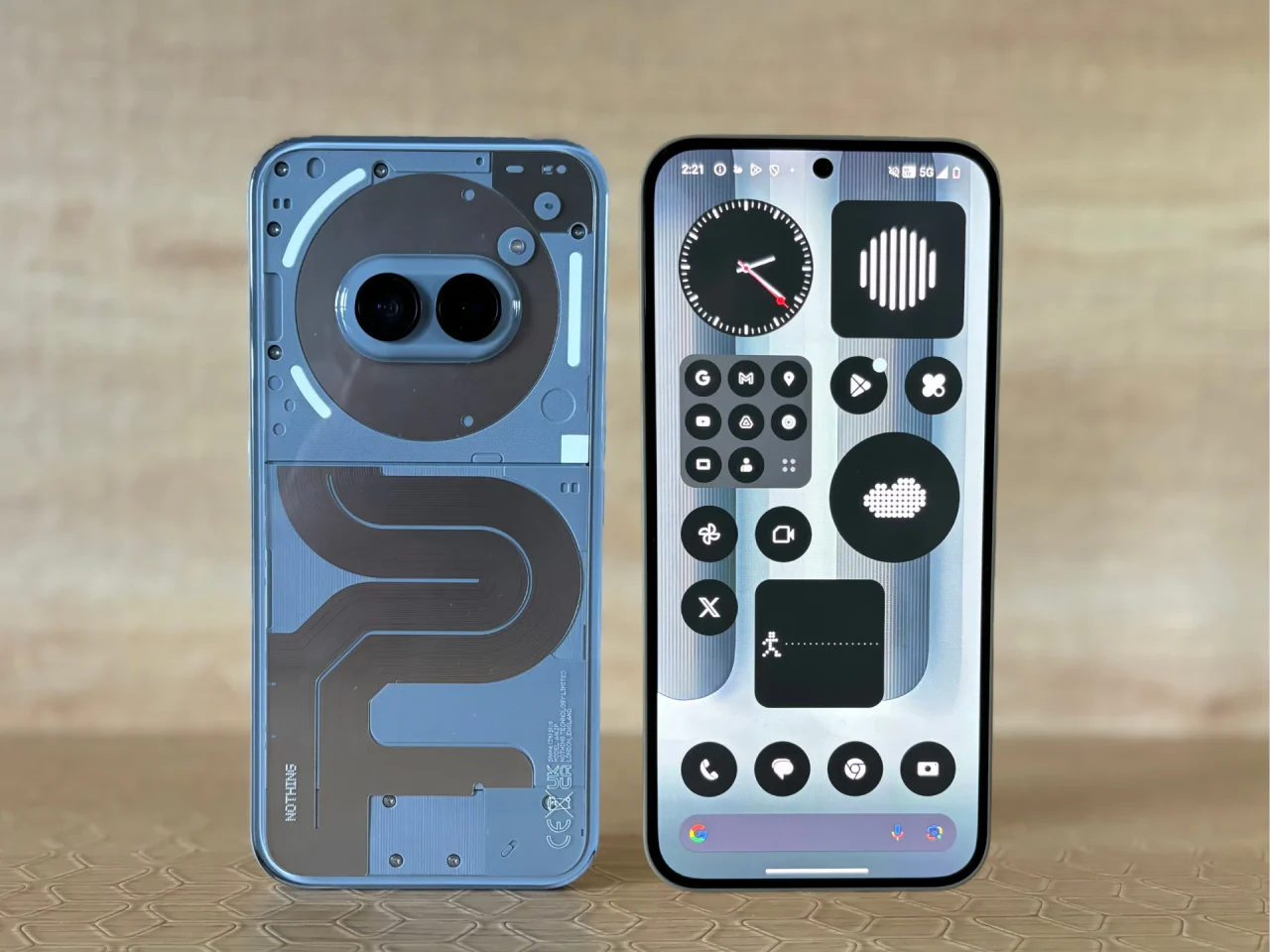
Circle to Search Now Available on Nothing Phone (1)
With the latest Nothing OS V3.0-250218-1552 update, the Circle to Search feature is now integrated into the Nothing Phone (1), allowing users to visually search for anything on their screen in an instant.
📌 How to Enable Circle to Search:
1️⃣ Go to: Settings > Special features > Gestures > Navigation mode > Circle to Search
2️⃣ For 3-Button Navigation Users: Long-press the home button to activate
3️⃣ For Gesture Navigation Users: Long-press the navigation bar to activate
This feature, powered by Google AI, enhances user convenience by allowing quick searches directly from the screen without switching apps.
Additional Features & Enhancements in Nothing OS V3.0-250218-1552
🔒 Enhanced Security Features
✔ Power-Off Password Verification:
To prevent unauthorized shutdowns in case of theft, users must now verify their identity before turning off the device.
📌 How to Enable: Search ‘Power off verify’ in the Settings menu.
🎨 Visual & UI Improvements
✔ New Wallpapers Added: Fresh designs to personalize your home screen.
✔ Improved Settings Response Speed: Faster and more responsive Settings menu navigation.
✔ Optimized Quick Settings in Landscape Mode: Pull-down speed adjusted for better usability.
📶 Connectivity & System Stability Upgrades
✔ Wi-Fi & Bluetooth Enhancements: Improved stability and faster connection speeds.
✔ General System Stability Improvements: Ensures smoother overall performance.
✔ Updated to February 2025 Security Patch: Latest Android security updates for better protection.
How to Download & Install the Update
If you own a Nothing Phone (1) and haven’t received the update yet, follow these steps to check and install it:
1️⃣ Go to Settings
2️⃣ Scroll down to System
3️⃣ Tap on System Update
4️⃣ Check for updates and download if available
5️⃣ Install and restart your phone
💡 Tip: Ensure your phone has at least 50% battery and is connected to a stable Wi-Fi network before updating.
Final Thoughts: A Strong Update for Nothing Phone (1) Users
With the Nothing OS V3.0-250218-1552 update, Nothing Phone (1) users get a feature-packed software upgrade, making the device smarter, more secure, and visually refreshed.
✅ Circle to Search integration for seamless visual lookups
✅ Power-off password verification for added security
✅ New wallpapers and UI enhancements
✅ Improved system, Wi-Fi, and Bluetooth stability
✅ Latest February 2025 security patch for better protection

Bhupendra Singh Chundawat is a seasoned technology journalist with over 22 years of experience in the media industry. He specializes in covering the global technology landscape, with a deep focus on manufacturing trends and the geopolitical impact on tech companies. Currently serving as the Editor at Udaipur Kiran, his insights are shaped by decades of hands-on reporting and editorial leadership in the fast-evolving world of technology.