

Forgot Your Aadhaar card Number? Here’s How to Retrieve It Online and Offline

In today’s digital era, the Aadhaar card is a crucial identification document for every Indian citizen. However, if you have forgotten your Aadhaar number, there’s no need to worry. You can easily retrieve it through both online and offline methods using some essential documents. Here’s a step-by-step guide to help you recover your Aadhaar number hassle-free.
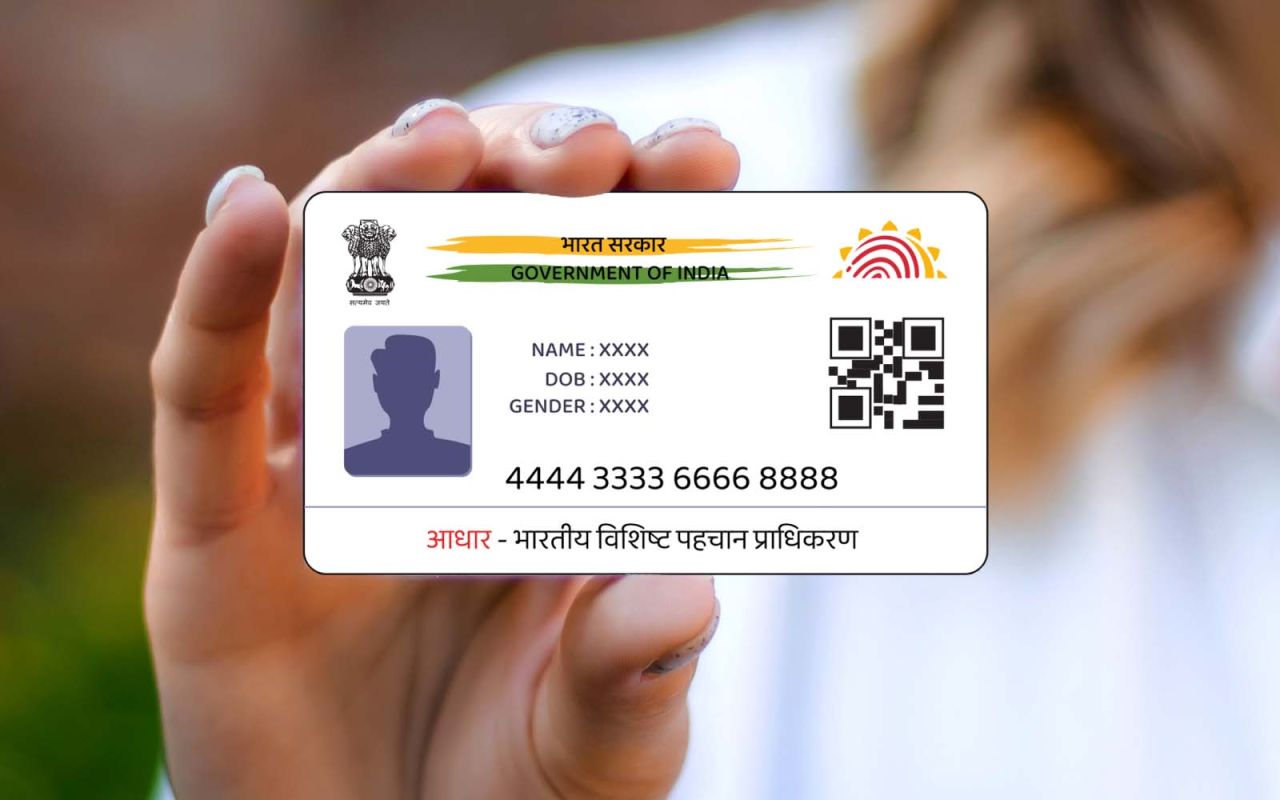
How to Retrieve Your Aadhaar Number Online
If you haven’t noted down your Aadhaar number and have misplaced it, you can recover it via UIDAI’s official website. However, ensure that your registered mobile number or email ID is linked to your Aadhaar card.
Follow These Steps to Find Your Aadhaar Number Online:
1️⃣ Visit the official UIDAI website – Go to uidai.gov.in.
2️⃣ Navigate to the ‘My Aadhaar’ section – Click on the “Retrieve Lost or Forgotten EID/UID” option.
3️⃣ Enter your details – Provide your full name, PIN code, and security captcha.
4️⃣ Verify your identity – You will receive a one-time password (OTP) on your registered mobile number or email ID.
5️⃣ Retrieve your Aadhaar number – After entering the OTP, your Aadhaar number will be sent via SMS or email.
This process ensures that your Aadhaar details remain secure while allowing you to retrieve your UID quickly.
Retrieve Aadhaar Number Using mAadhaar App
UIDAI’s official mAadhaar app is another convenient method to access your Aadhaar number digitally. Follow these steps to retrieve it using the app:
1️⃣ Download the mAadhaar app from the Google Play Store or Apple App Store.
2️⃣ Log in using your registered mobile number.
3️⃣ Access your Aadhaar details – Once logged in, you can view your Aadhaar number and other essential information directly within the app.
4️⃣ Secure your details – You can also save your Aadhaar number securely within the app to prevent losing it in the future.
This method provides an easy and secure way to store and retrieve your Aadhaar details anytime, anywhere.
Retrieve Aadhaar Number Offline – Visit an Aadhaar Service Centre
If you are unable to retrieve your Aadhaar number online, you can visit the nearest Aadhaar Enrollment Centre to get it offline.
Follow These Steps to Get Your Aadhaar Number Offline:
1️⃣ Carry a valid ID proof – Bring any government-approved identity document such as PAN card, Voter ID, or Passport.
2️⃣ Visit the nearest Aadhaar Seva Kendra – Locate your nearest Aadhaar Enrollment Centre through the UIDAI website.
3️⃣ Verification process – The Aadhaar centre staff will verify your identity using your valid ID proof.
4️⃣ Receive your Aadhaar number – After verification, the Aadhaar officials will provide your Aadhaar number or issue a reprint if required.
This method ensures you can recover your Aadhaar even if you don’t have digital access.
Key Takeaways – Keep Your Aadhaar Secure
✅ Always note down your Aadhaar number in a secure place.
✅ Save it in the mAadhaar app for quick and easy access.
✅ Ensure your mobile number and email ID are linked to your Aadhaar for hassle-free retrieval.
✅ Use official UIDAI services only to protect your Aadhaar information from fraud.

Bhupendra Singh Chundawat is a seasoned technology journalist with over 22 years of experience in the media industry. He specializes in covering the global technology landscape, with a deep focus on manufacturing trends and the geopolitical impact on tech companies. Currently serving as the Editor at Udaipur Kiran, his insights are shaped by decades of hands-on reporting and editorial leadership in the fast-evolving world of technology.