How to Download e-Aadhaar for Free from myAadhaar Portal and Open the PDF
If your physical Aadhaar card is unavailable, you can download a free e-Aadhaar PDF from the official myAadhaar Portal using your registered mobile number.
October 24 (Udaipur Kiran) : If you have lost your physical Aadhaar card or need it urgently, you can download your e-Aadhaar card for free from the comfort of your home using the official myAadhaar Portal. The Unique Identification Authority of India (UIDAI) provides this facility for all citizens.
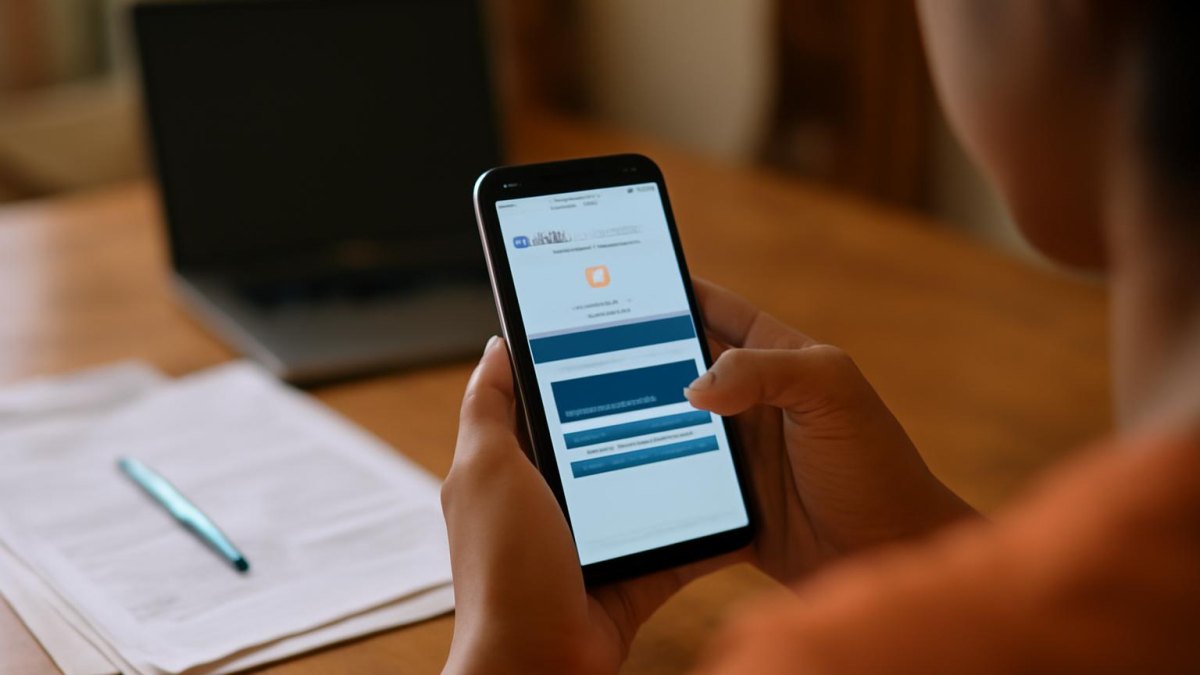

The e-Aadhaar is an electronic copy of your Aadhaar card, issued with UIDAI’s digital signature. It can be downloaded in PDF format and saved on your mobile, laptop or computer. You do not need to visit any Aadhaar centre or seek assistance from an agent. The download facility is completely free of cost.
To access your e-Aadhaar, visit the official myAadhaar Portal at https://myaadhaar.uidai.gov.in/. This portal allows you to download the digital copy and print it whenever required.
Steps to Download e-Aadhaar on Mobile
- Step 1: Open the UIDAI official website in your mobile browser. Select the ‘Download Aadhaar’ option available on the website.
- Step 2: From the available options, choose either Aadhaar Number, Enrolment ID, or Virtual ID. Enter the required information as per your selection and fill in the security code displayed on the screen.
- Step 3: Choose the option to send OTP. An OTP (One-Time Password) will be sent to your mobile number registered with Aadhaar. Enter this OTP on the website.
- Step 4: After successful verification, you will get the option to download the e-Aadhaar PDF. Save this PDF file to your phone.
How to Open the e-Aadhaar PDF
After downloading, the e-Aadhaar PDF file will ask for a password to open it. The password is formed by combining the first four letters of your name (in English, all capital letters) as mentioned on the Aadhaar card, and your year of birth in numbers.
For example, if the name on the Aadhaar card is RAHUL KUMAR and the year of birth is 1998, the password will be RAHU1998.

Bhupendra Singh Chundawat is a seasoned technology journalist with over 22 years of experience in the media industry. He specializes in covering the global technology landscape, with a deep focus on manufacturing trends and the geopolitical impact on tech companies. Currently serving as the Editor at Udaipur Kiran, his insights are shaped by decades of hands-on reporting and editorial leadership in the fast-evolving world of technology.