

Prepare for GTA 6 Launch on PS5 and Xbox

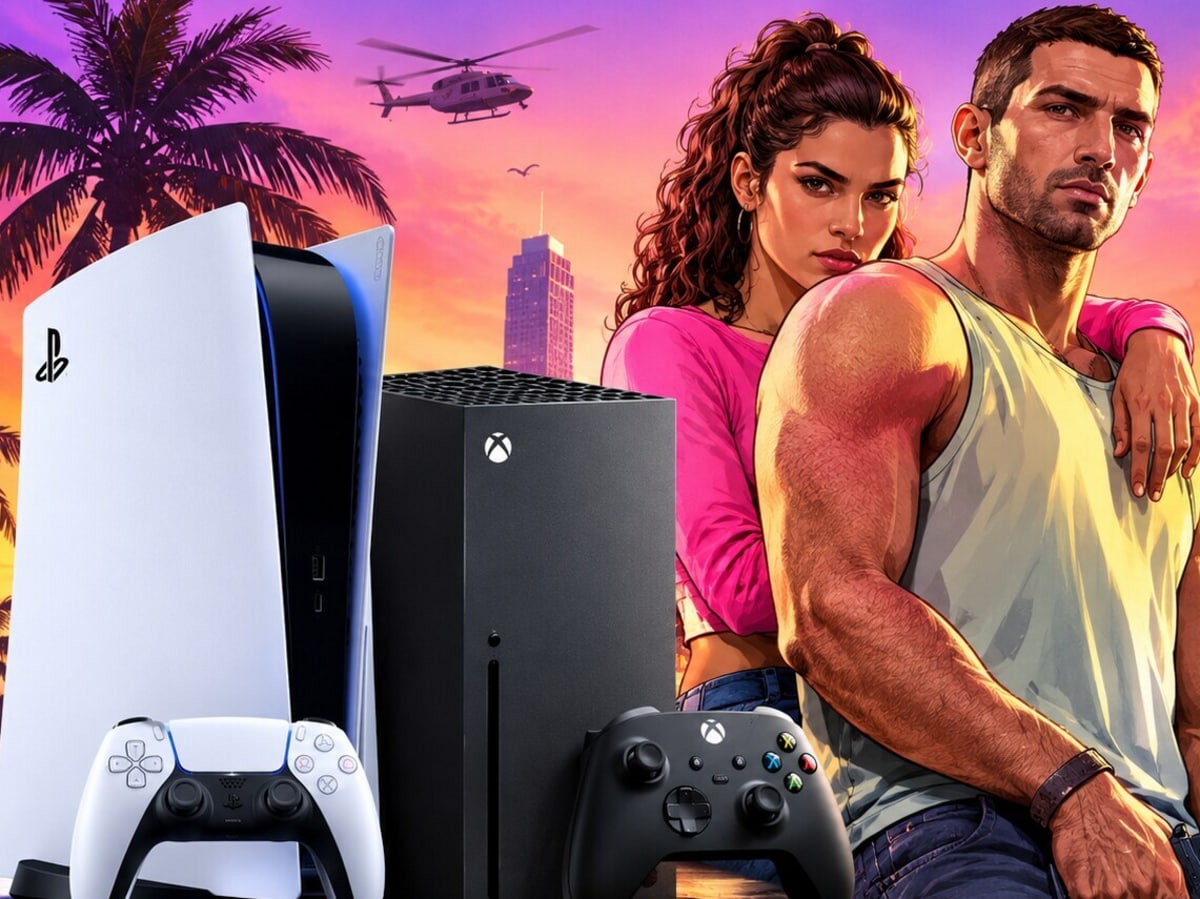
Udaipur, November 16: Grand Theft Auto 6, commonly known as GTA 6, is set to launch soon. Rockstar Games will release this highly anticipated game on November 19, 2026, for PlayStation 5 and Xbox Series X|S. Digital pre-loading has already commenced, allowing those who pre-ordered GTA 6 to download the files ahead of the launch. However, simply purchasing the game is not enough; it’s crucial to prepare your console in advance to avoid any issues at launch.
First, ensure you have sufficient storage space on your console. The pre-load for GTA 6 may require around 212GB of space. If your PS5 or Xbox Series X|S already has limited storage, you might face issues when starting the download. It is advisable to free up more storage than the game requires to accommodate future updates or patches.
How to Free Up Storage Space
If your console is cluttered with games that you haven’t played in a while, consider removing them temporarily. Before deleting any save files or essential data, make sure to check them. To play GTA 6 on PS5, you will need to use internal storage or a compatible M.2 SSD. Similarly, Xbox Series X|S requires internal SSD or a compatible Storage Expansion Card for playing next-gen games. While you can store games on a standard USB drive, they cannot be run from there.
Update Your Console Software
Next, update your console’s system software. Major games often receive system or game updates around their launch, so it’s better to keep your console on the latest software rather than waiting until the last minute. This will help you avoid unnecessary delays when starting the game on the night of November 19.
Make sure to complete the pre-loading as well. In India, the pre-loading for GTA 6 on PS5 started at midnight on November 10, while it became available for Xbox Series X and Series S at 5:30 AM IST on the same day. Players who purchase the digital version can download the game in advance, but it will not be playable until the official launch.
PS5 users can complete the download while the console is in Rest Mode. For this, it is beneficial to remain connected to the internet and keep the auto-download settings enabled. Similarly, configuring the Sleep Mode and automatic updates on Xbox will ensure that downloads and updates are completed as soon as they become available.
Strong Internet Connection is Essential
Do not overlook your internet connection. Downloading a file of approximately 212GB can take several hours, depending on your internet speed. Therefore, if you want to play GTA 6 as soon as it launches, it is not advisable to delay the download until the last day. The main advantage of pre-loading is that on launch day, you will only have to wait for the game to unlock.
Lastly, check that you are logged into your PlayStation Network or Microsoft Account beforehand. You should sign in to the console with the account you used to purchase the game. If you bought the digital version of GTA 6 and it does not appear in your game library, first verify the account used for the purchase and the download settings.