

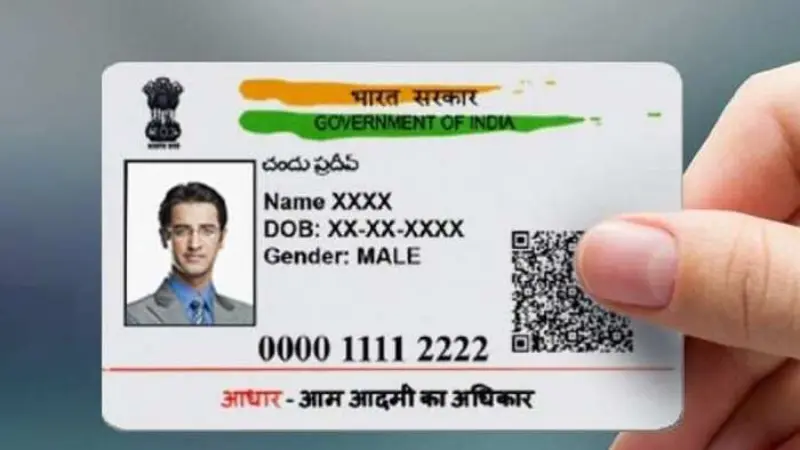
Aadhaar card has become an important identity document for Indian citizens and is used to verify identity and address for various transactions and services. Carrying an Aadhaar card made of thin paper can be inconvenient.
But what if there was a comfortable and durable PVC version instead? The process of getting a PVC Aadhaar card has been simplified through the MAadhaar app, so that users can conveniently and easily order an Aadhaar card. To order a PVC Aadhaar card, follow the steps below.

Before you start:
- Make sure you have downloaded and installed the mAadhaar app on your smartphone (Android or iPhone).
- Make sure your mobile number is registered with UIDAI (Unique Identification Authority of India). Otherwise, you can request the PVC card on an unregistered/alternative mobile number during the process.
Steps to Order PVC Aadhaar Card:
- Launch the mAadhaar application on your mobile phone.
- Log in with your Aadhaar number and the OTP (One Time Password) sent to your registered mobile number.
- After login, look for ‘Order PVC Aadhaar Card’. This can be on the home screen or in a special section like Services or Aadhaar Update.
- On the order page, check your registered details, such as name and address. They can be updated as needed (limited changes are possible through the application).
- View your Aadhaar card details to ensure their accuracy.
- You will see a fee (usually Rs. 50) for ordering the PVC card.
- Select the payment method from the available options (e.g. bank card, credit card, UPI).
- If your payment is successful, you will receive a confirmation message with a Service Request Number (SRN) to track the status of your request.

Bhupendra Singh Chundawat is a seasoned technology journalist with over 22 years of experience in the media industry. He specializes in covering the global technology landscape, with a deep focus on manufacturing trends and the geopolitical impact on tech companies. Currently serving as the Editor at Udaipur Kiran, his insights are shaped by decades of hands-on reporting and editorial leadership in the fast-evolving world of technology.