

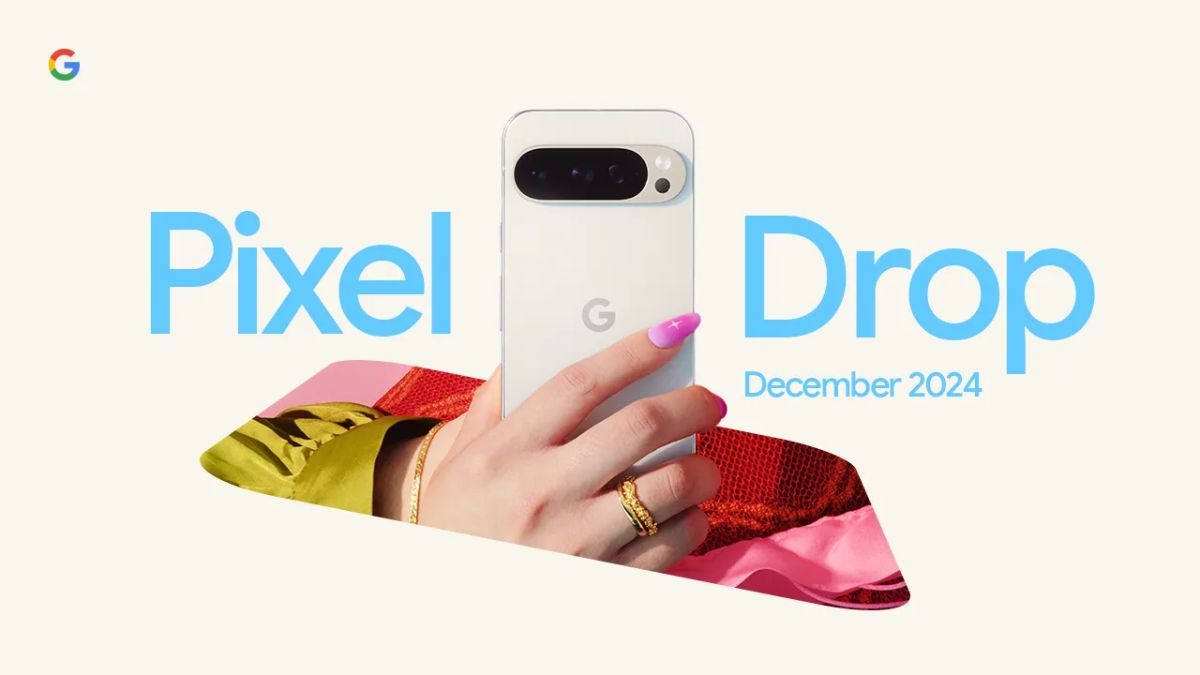


Google’s December Pixel Drop is here, and it’s packed with enhancements that blend cutting-edge AI capabilities with practical, everyday improvements. From smarter Gemini features to more intuitive camera tools and organized screenshots, this update ensures that Pixel devices stay ahead of the curve. Here’s a closer look at what’s new.
Gemini Gets Smarter and More Personal
At the heart of this Pixel Drop is Gemini, Google’s advanced AI, which now takes personalization and usability to the next level. With Gemini Advanced, the assistant can remember your preferences, such as your favorite cuisines, and use them to deliver tailored suggestions like recipes that match your tastes.
Gemini is now more adept at controlling third-party apps and smart devices. It integrates with your default phone and messaging apps to facilitate conversations with people and businesses. Want to skip tracks or adjust the volume on Spotify? The new extension has you covered. Have a smart home device linked to your Google Account? Gemini can seamlessly control it.
Gemini Nano: Taking Your Calls to the Next Level
One of Gemini’s standout features is Gemini Nano, which can now take calls for you while offering context-sensitive suggestions. For example, if a delivery person calls, Gemini will suggest possible responses, such as where to leave your package. You can guide it in real time, or interrupt and take over the conversation whenever you want. This feature makes everyday interactions smoother and more efficient.
Camera Features That Shine
Ultra HDR for Instagram
Pixel users can now capture and share Ultra HDR photos on Instagram, ensuring every image pops with vibrant colors and dynamic detail. This marks a significant enhancement for creators and casual users alike, delivering professional-grade visuals straight from your phone.
Snapchat’s Photo Picker Integration
Sharing photos on Snapchat just got easier. With the new Photo Picker feature, you can select and upload photos directly from your phone or cloud storage without any hassle.
Dual Screen Preview for Pixel Folds
For Pixel Fold and Pixel 9 Pro Fold users, taking photos has never been this interactive. The cover screen live preview allows your subjects to strike their best pose. Plus, when photographing children, the outer display can show animated characters—like Joy from Inside Out—to grab their attention and create priceless moments.
Revolutionizing Screenshots
If you’re a planner or organizer, the new screenshot tools will transform how you work:
- Auto-tagging and categorization: Screenshots are now automatically sorted, making it easier to find what you need.
- Smart integrations: Ticket details or credit card information captured in screenshots can be extracted and securely stored in Google Wallet, ensuring quick and safe access.
For those who love to Circle to Search, there’s now an option to save screenshots for future reference, streamlining how you store and retrieve information.
Subtitles That Feel Alive
Google’s auto-generated captions are now infused with emotional intelligence. They can capture and preserve the speaker’s emotions in text, adding a new layer of depth to video content. Whether it’s humor, excitement, or sorrow, these captions bring spoken words to life in a way never seen before.
Pixel Recorder: Clear Voice, Clear Recordings
The Recorder app introduces a new Clear Voice noise-suppression feature, making recordings crisp and professional. This is ideal for students, journalists, and anyone who relies on clear audio capture for their work.
Enhanced Accessibility: Pixel UI’s Simple View
Accessibility takes center stage with the improved Simple View in Pixel UI. The update increases font sizes and touch sensitivity, ensuring apps and widgets are easier to use—especially for users with declining eyesight. This thoughtful feature reflects Google’s commitment to making technology inclusive and user-friendly.
Pixel Watch Improvements: A Glimpse of the Future
It’s not just Pixel phones that are getting love in this update. Pixel Watch owners are seeing upgrades too:
- Nest Cam and Doorbell Integration: Pixel Watch 2 now supports live feeds from Nest cameras, giving users instant access to their smart home’s surveillance system.
- Loss of Pulse Detection: Pixel Watch 3 users in Germany and Portugal can now benefit from this life-saving feature, joining existing tools like Fall Detection and Car Crash Detection.
A Smarter, Smoother Pixel Experience
The December Pixel Drop delivers improvements that make life easier, interactions smarter, and technology more engaging. Whether it’s through Gemini’s powerful AI, camera innovations, or accessibility upgrades, Google is ensuring that its Pixel ecosystem stays ahead of the curve and tuned to users’ needs.
For more information and a quick overview, check out Google’s official promo clip—or dive into the full changelog to see everything this update has to offer.

My name is Kuldeep Singh Chundawat. I am an experienced content writer with several years of expertise in the field. Currently, I contribute to Daily Kiran, creating engaging and informative content across a variety of categories including technology, health, travel, education, and automobiles. My goal is to deliver accurate, insightful, and captivating information through my words to help readers stay informed and empowered.