

Chrome 157 Update Adds Vertical Tabs and Streamlines Settings on Googlebook
Google's Chrome 157 update introduces improved vertical tab functionality and resolves web app installation issues on Googlebook devices.

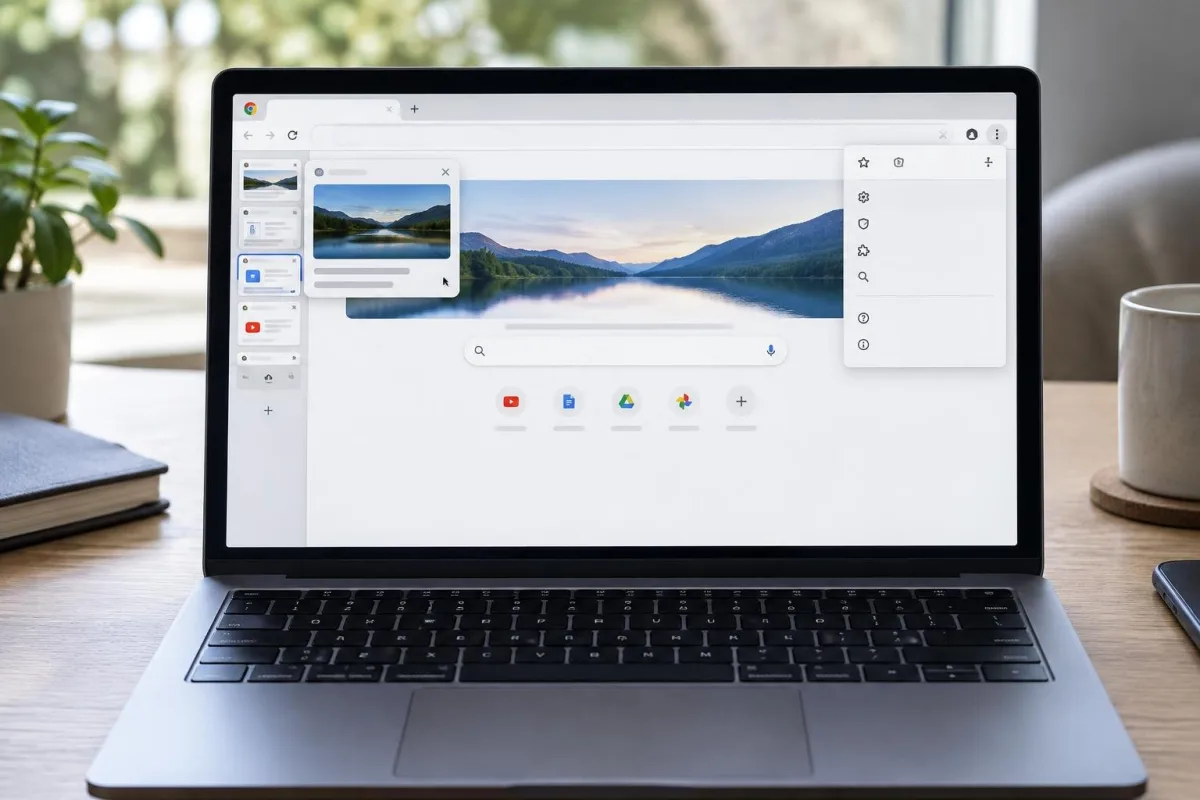
NEW DELHI, Nov 18: Google has released the Chrome 157 update for its Googlebook laptops, enhancing the browser’s functionality and addressing installation issues with web apps.
This update focuses on vertical tabs, allowing users to expand the tab stack by hovering over the minimized icon rail, previously requiring a click on the dedicated icon. Mishaal Rahman, a Google community engagement manager, said the feature improves overall usability.
Users can resize the vertical tab bar for longer page titles, and the setting is remembered after browser restarts. Individuals can disable the auto-expanding feature in the browser’s settings if preferred.
Chrome 157 also streamlines access to settings, enabling users to bookmark specific pages, each with its own URL, simplifying navigation.
A persistent control bar during video calls allows users to stop sharing tabs easily without navigating through multiple menus. The update also sets the ‘Save As’ dialog as the default for saving files, giving users more control over file management.
Google has resolved critical installation and launching issues with web apps, which is vital since Googlebook relies heavily on these applications. The Chrome 157 update makes the device more reliable for users.
Additionally, Google has rolled out over twenty bug fixes to enhance the overall stability of the browser, following a significant performance patch in the previous version.
Chrome Beta is available on the Play Store for those eager to try new features, such as eyedropper support and improved startup settings, though broader rollout details remain pending.